Connect a custom domain
On Growth and Scale, your help center can live on your own subdomain. Customers stay on your brand, and the certificate is issued for you.
Before you start
- A Growth or Scale plan. On other plans the section says custom domains are part of the Growth plan and above.
- Access to your domain's DNS settings (at your registrar or DNS host).
- A subdomain such as
help.acme.comorsupport.acme.com. A bare domain likeacme.comcan't be used.
Three steps
Add the domain
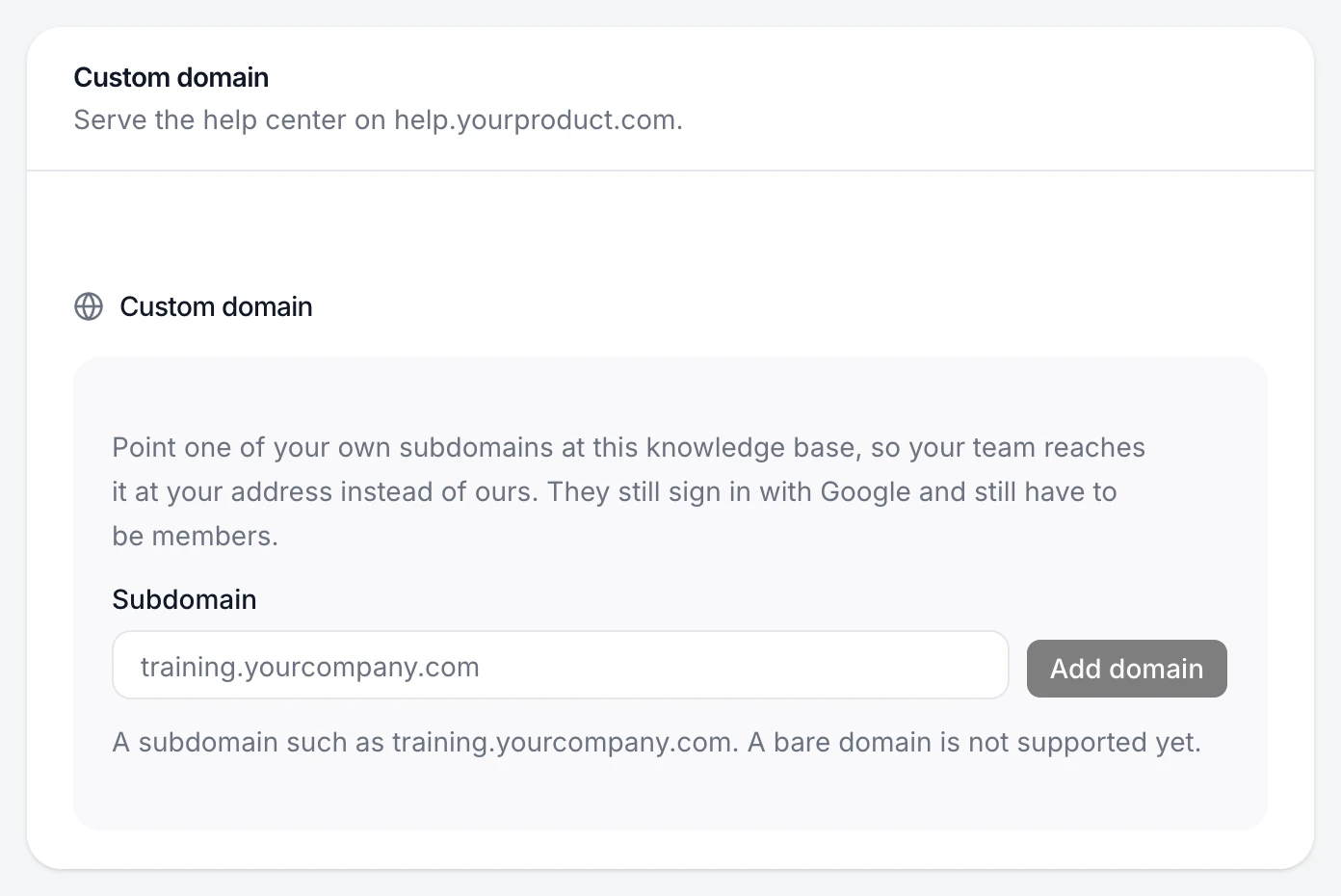
Choose Help center in the sidebar and scroll to Custom domain. Enter the subdomain and choose Add domain.
Add the two DNS records
PageTruth shows two records. Add both at your DNS host, copying each value exactly:
Type Name Value Why TXT _pagetruth-verify.help.acme.comthe token shown Proves you own the domain CNAME help.acme.comcname.vercel-dns.comSends visitors to your help center Some DNS hosts add your domain to the name automatically. If yours does, enter only
_pagetruth-verify.helpandhelp.Verify
Choose Verify. While DNS catches up the status reads Waiting for DNS. Once the records are found it moves to Almost there — finishing setup while the certificate is issued, which can take a few minutes.
The domain shows as live and https://help.acme.com opens your help center with a valid certificate.
Turn it off
Choose Disconnect. The domain stops serving your help center; remove the two DNS records afterwards.
If something's not right
It keeps saying "Not verified yet"
DNS changes can take up to an hour to spread. Check the records against Custom domain isn't verifying, then choose Verify again.
It says "Needs attention"
Something stopped the setup, and the reason is shown under the domain. Fix that, then verify again.