Start here
Four steps from sign-up to customers getting answers.
- Set up your first knowledge baseThe four setup steps after you sign up — your product, your knowledge, a plan and going live — and what each one does.Watch →
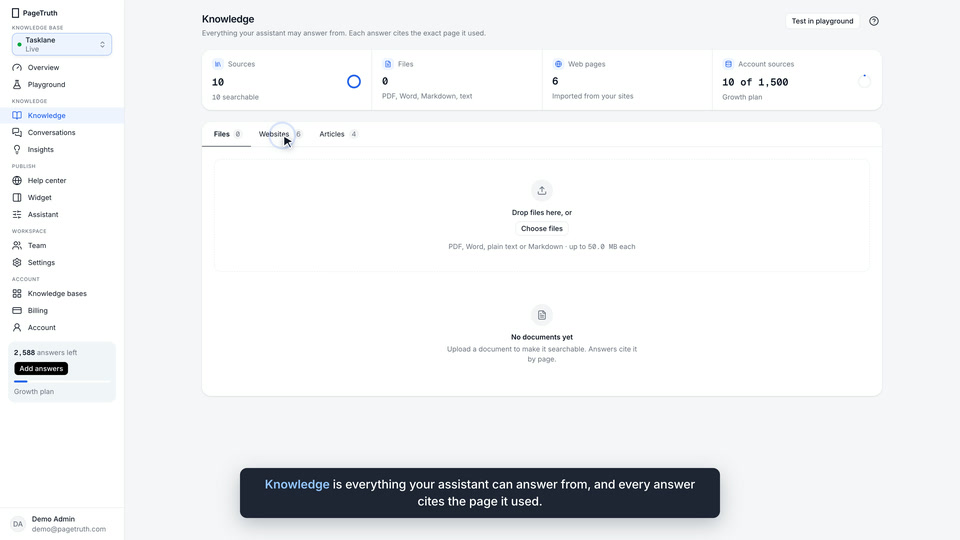
- Import your docs siteBring in one page or a whole sitemap. PageTruth reads each page and makes it searchable, with a link back to it.Watch →
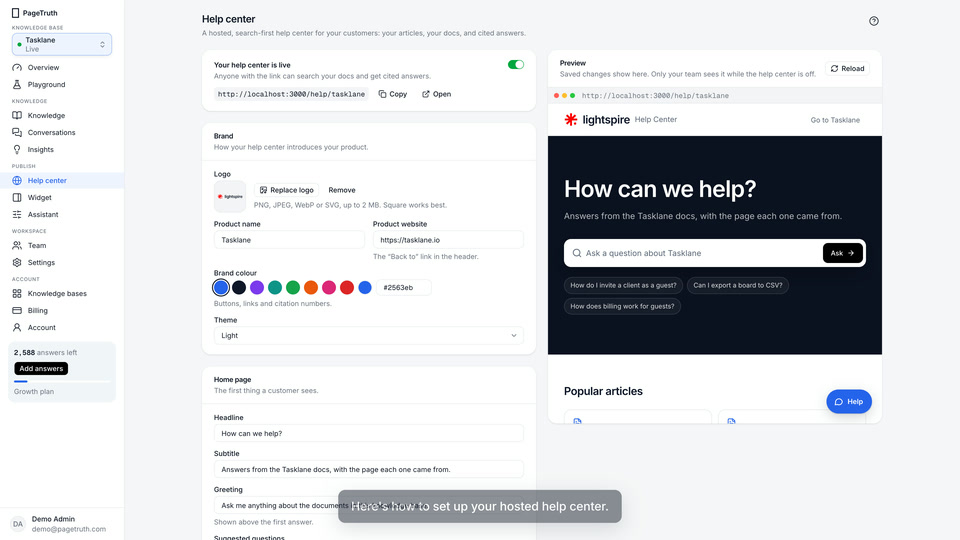
- Set up your help centerSwitch on a hosted, search-first help center that answers from your docs, at your own address on PageTruth.Watch →
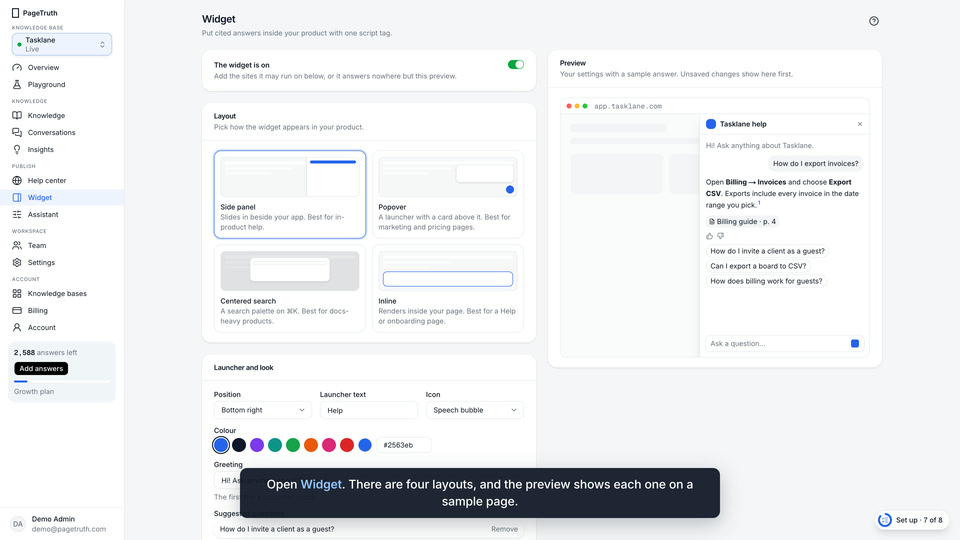
- Install the widgetPut answers inside your product with one script tag. Switch the widget on, allow your site, paste the snippet.Watch →
Browse by topic
Get startedCreate your account, bring your docs and put a help center in front of your customers.
- Create your PageTruth account
- Set up your first knowledge base
- Ask your first question in the playground
KnowledgeImport your docs site, upload files and write articles. Answers come only from these sources.All 7 →
Help centerSwitch on your hosted help center, brand it, choose its home page and put it on your own domain.All 5 →
WidgetPut answers inside your product with one script tag, in the layout that suits each page.All 7 →
AssistantHow answers sound, what happens when the docs run out, and how much a knowledge base may spend.All 6 →
Conversations and insightsWhat customers ask, what your docs can’t answer yet, and how to close the gap.All 5 →
Settings and APIName and address, API keys for your own backend, and deleting a knowledge base.All 4 →
Plans and billingChoose a plan, see how answers are counted, buy extra answers and get your invoices.All 5 →
TroubleshootingSomething isn’t working. Find what you’re seeing and check the usual causes in order.All 5 →
Popular
- Install the widgetPut answers inside your product with one script tag. Switch the widget on, allow your site, paste the snippet.
- Import your docs siteBring in one page or a whole sitemap. PageTruth reads each page and makes it searchable, with a link back to it.
- Close a content gapFind the questions your docs couldn't answer, most asked first, and write the answer once so every channel can cite it.
- How answers are countedWhat uses an AI answer, what's free, when your allowance resets, and what happens when it runs out.
- Connect a custom domainServe your help center on an address like help.acme.com. Add two DNS records, then verify.
- The widget isn't showingThe launcher doesn't appear on your site, or the widget opens but won't answer. Check these in order.
Video walkthroughs
Recorded in the real product. Each comes with chapters and a transcript.

Still stuck?
Ask PageTruth for an answer from these pages, with the page it came from.
Or write to us and a person replies. hello@pagetruth.com