Settings and API
Change the name, address or description
Three steps
Open Settings
Choose Settings in the sidebar. General is the first section.
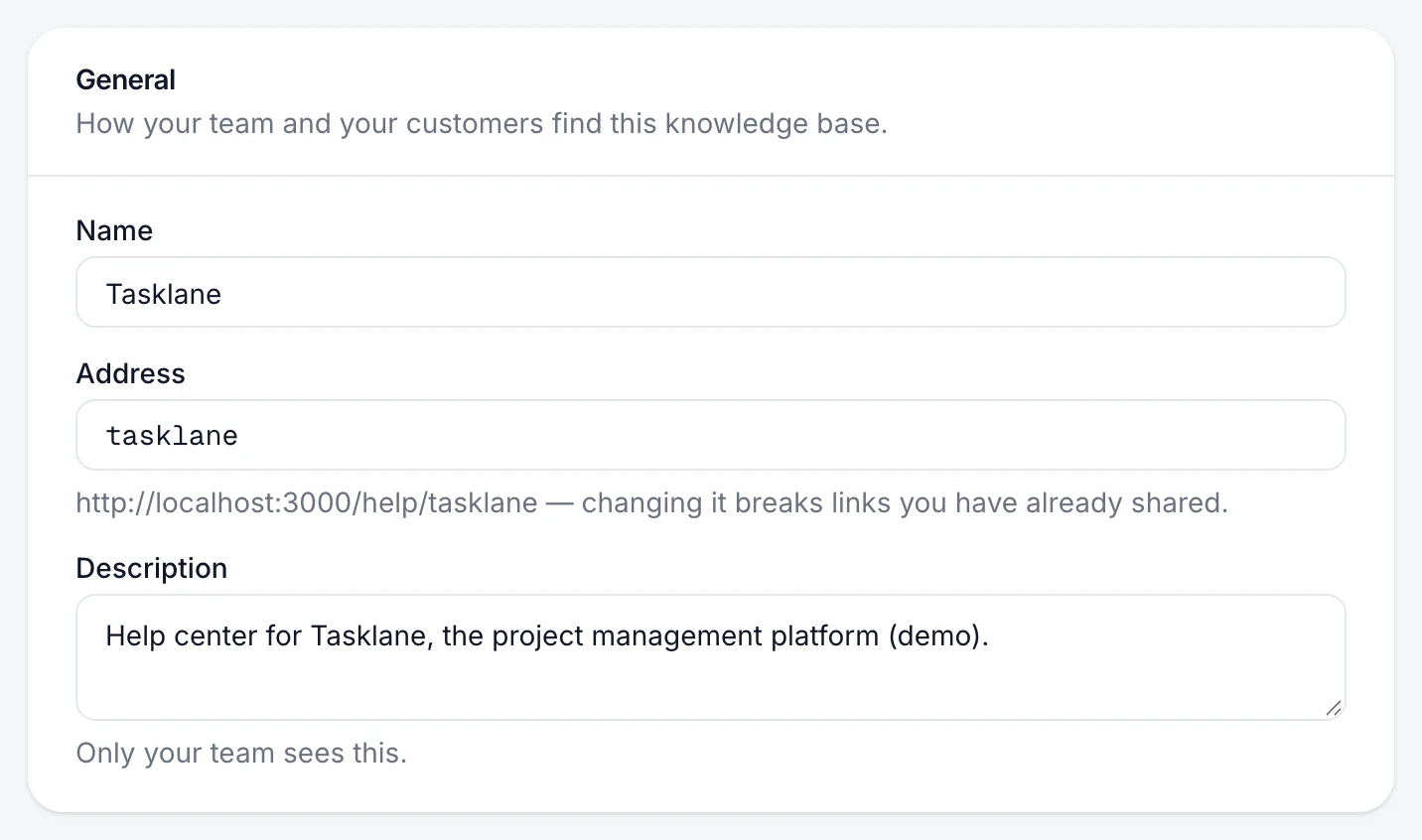
Change what you need
- Name: how your team sees the knowledge base in the switcher and lists.
- Address: the end of your help center link,
pagetruth.com/help/your-address. Lowercase letters, numbers and dashes. - Description: a note only your team sees.
Save
Choose Save changes.
You're done when
The switcher shows the new name, and the help center opens at the new address.
If something's not right
Was this helpful?